3D Modeling Software Hidden Shading Setting Meme
Dialogue
Text content
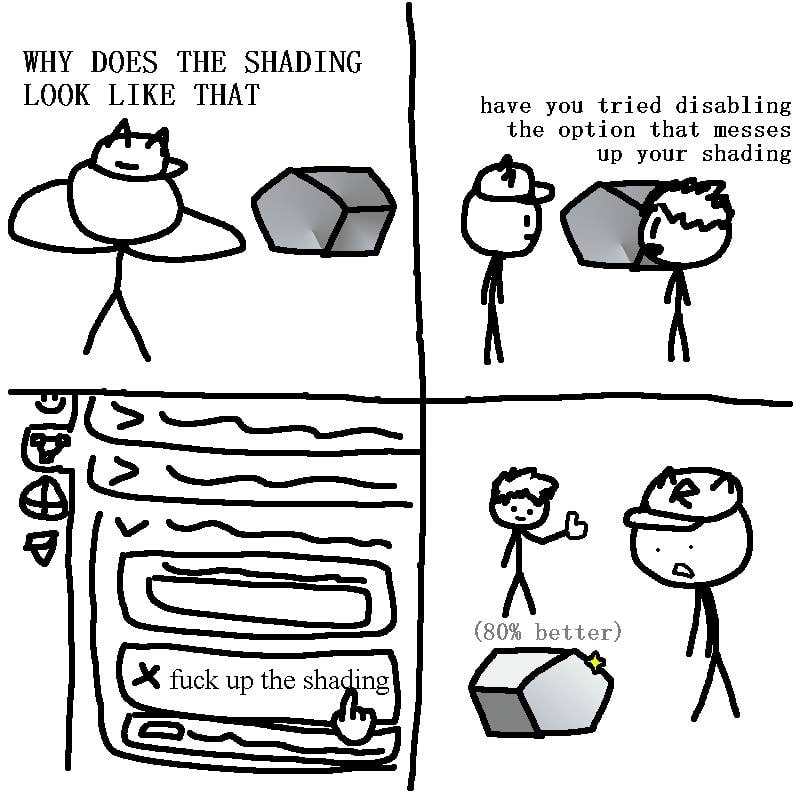
Satirical joke about counterintuitive, poorly labeled hidden settings in 3D modeling software that break core features like shading
Overview
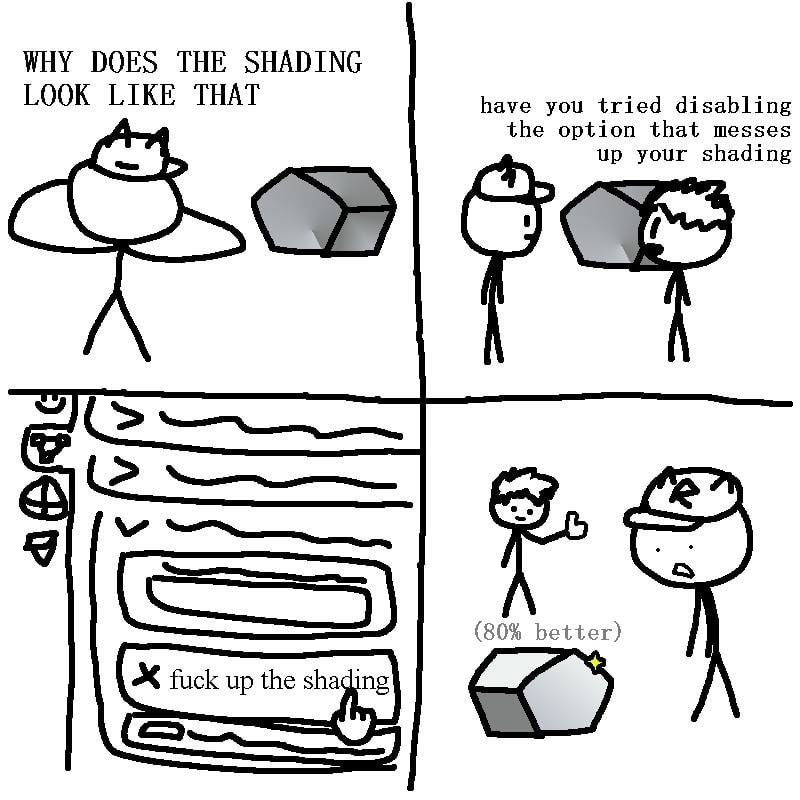
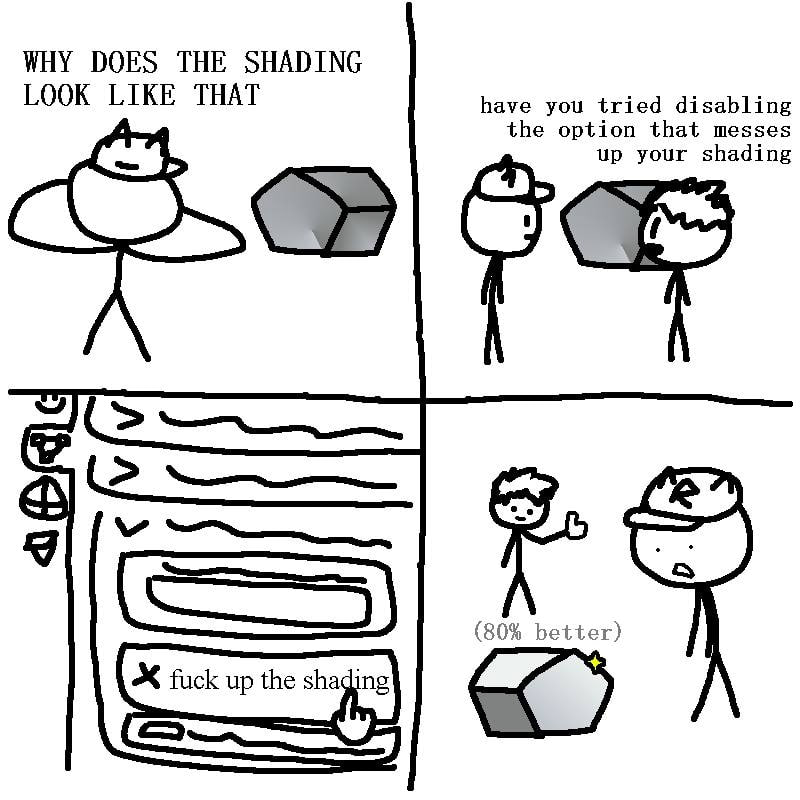
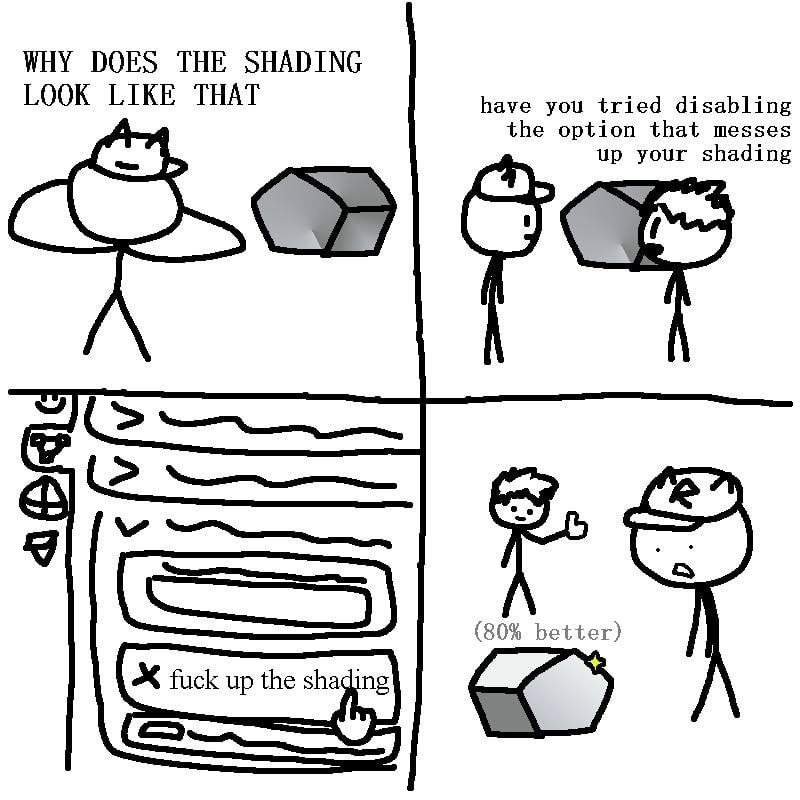
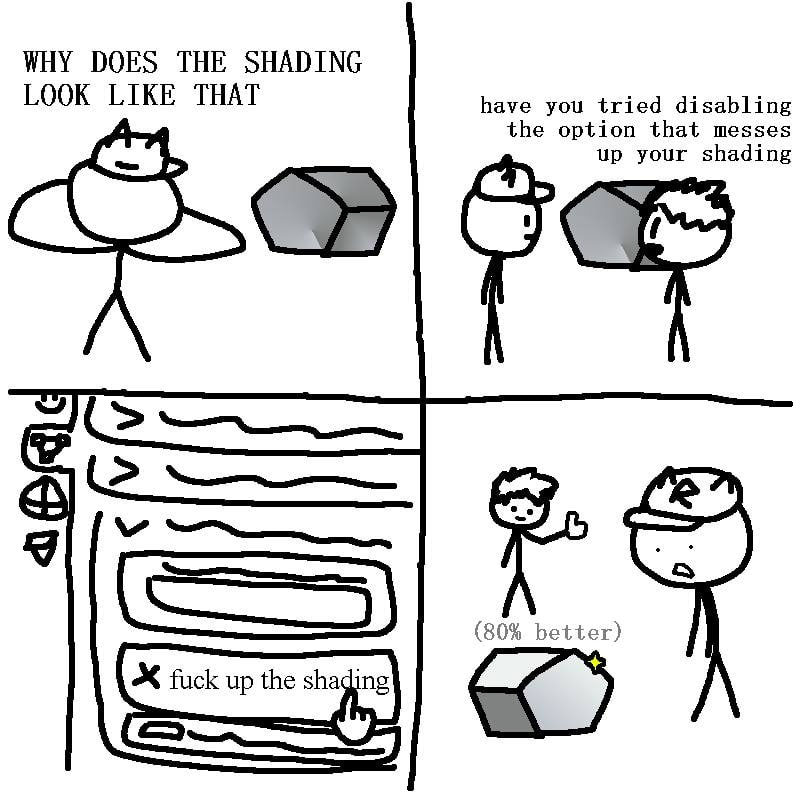
This is a 4-panel stick figure comic meme relating to 3D design software troubleshooting. Panel 1: A stick figure wearing a cat-shaped beanie stands next to a poorly shaded 3D polygon mesh, asking 'WHY DOES THE SHADING LOOK LIKE THAT'. Panel 2: A second stick figure responds with the suggestion 'have you tried disabling the option that messes up your shading'. Panel 3: A close-up of a 3D modeling software (visually resembling Blender, based on the left-side toolbar icons) settings menu shows a toggle option explicitly labeled 'fuck up the shading' being disabled by the user's cursor. Panel 4: The same 3D polygon now has much better shading, marked with the note '(80% better)'; the stick figure who gave the suggestion gives a thumbs up, while the original user looks shocked at how simple the fix was. The joke satirizes how professional 3D design software often has poorly labeled, hidden, or counterintuitive settings that accidentally break basic functions, making troubleshooting unnecessarily frustrating for new and experienced users alike.
Origin notes
This meme was originally posted to X (formerly Twitter) by the account @meme_basement, a profile that shares original and curated humorous content focused on tech, digital art, software use, and general internet culture. It is targeted primarily at 3D artists and users of 3D modeling tools such as Blender, who commonly experience the frustrating hidden settings issue the joke references.