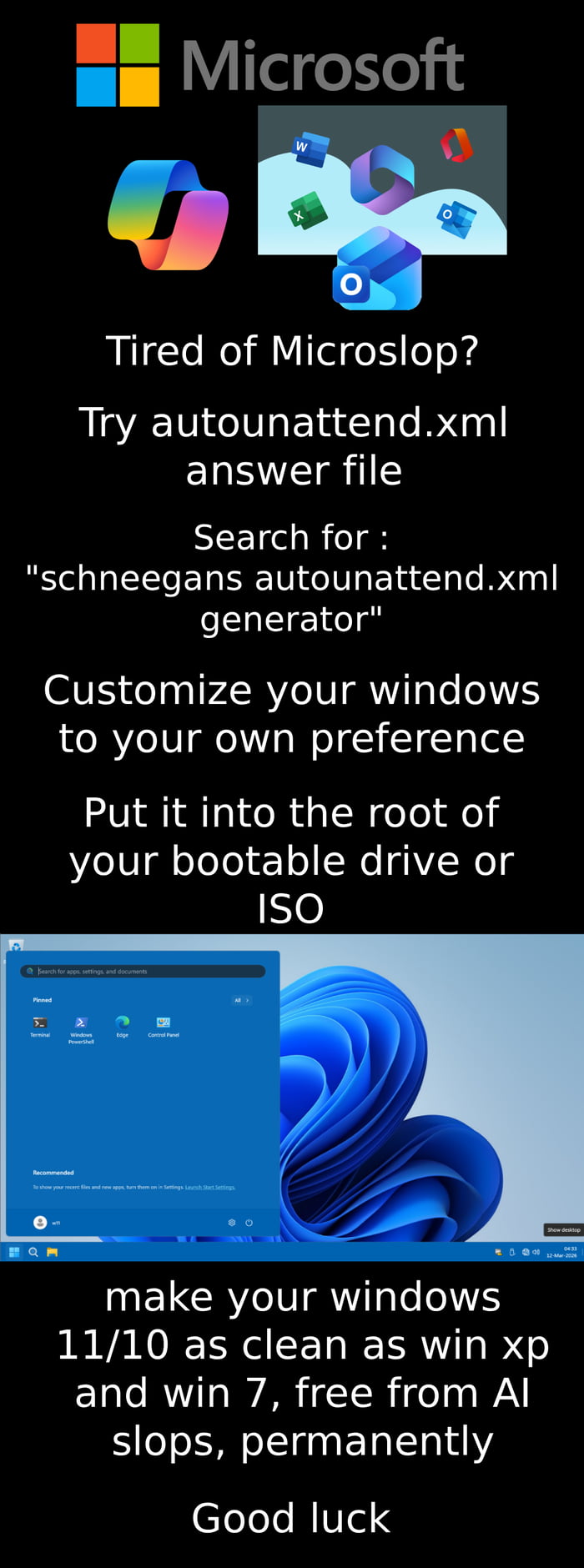
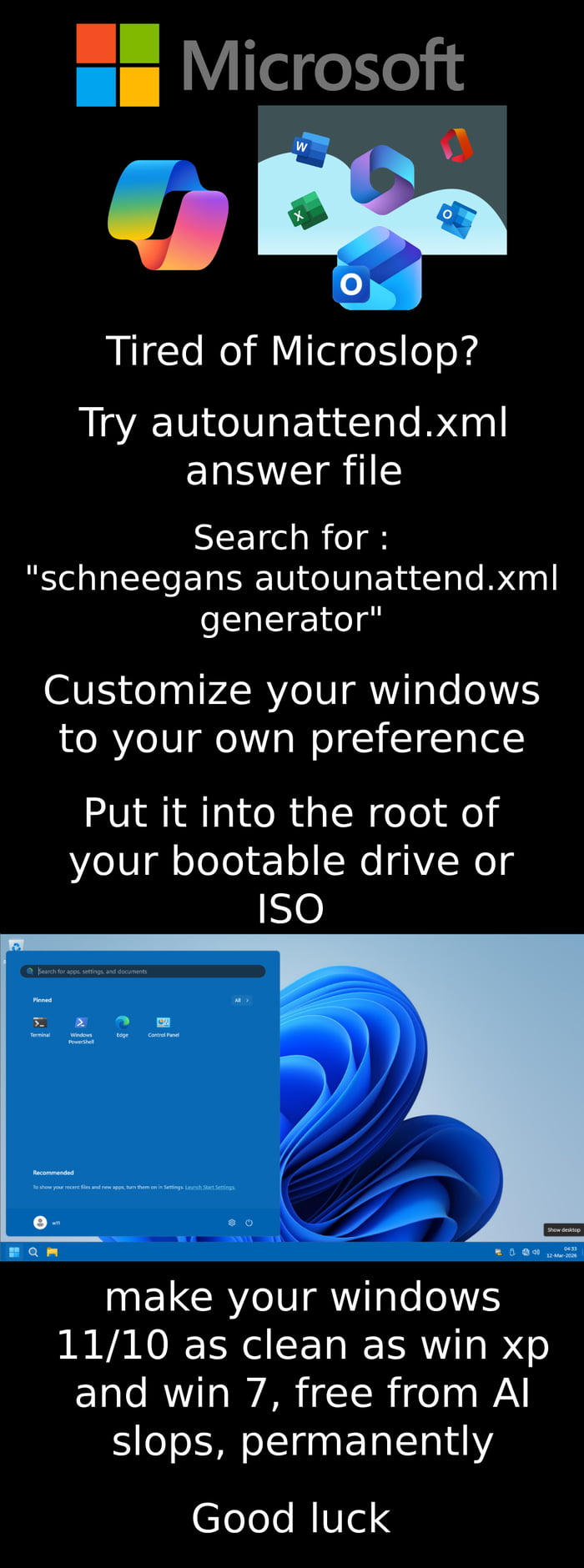
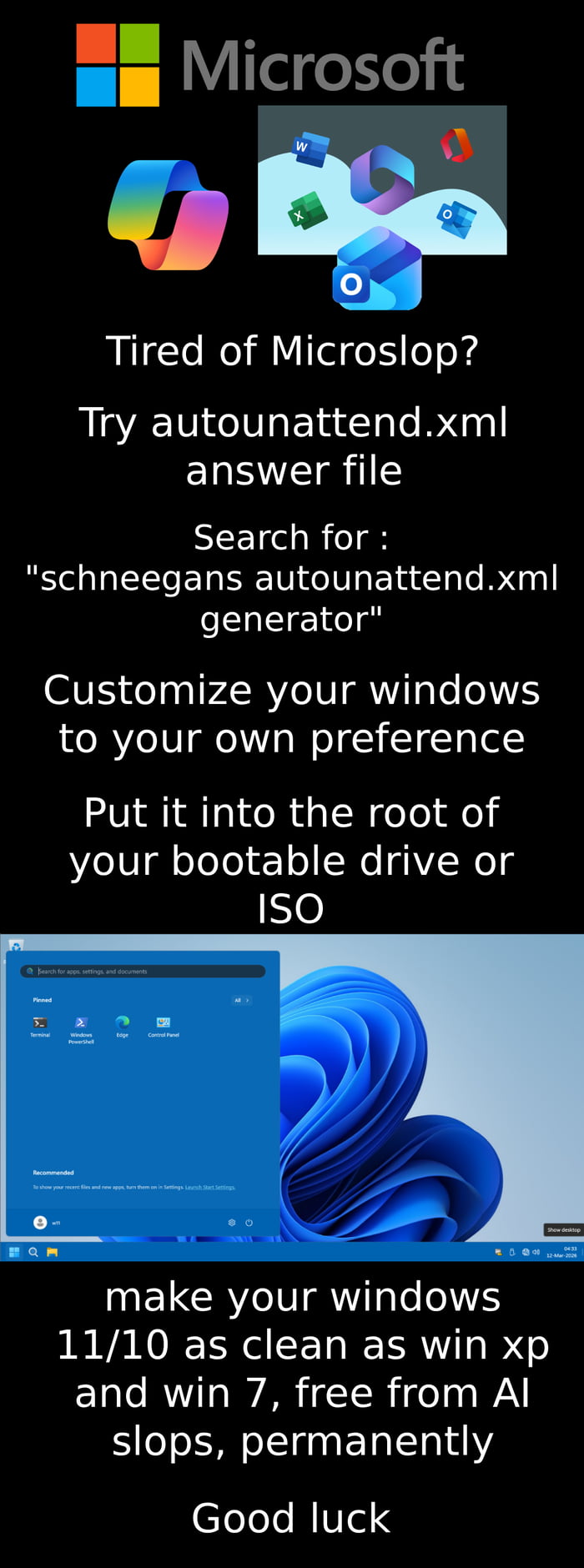
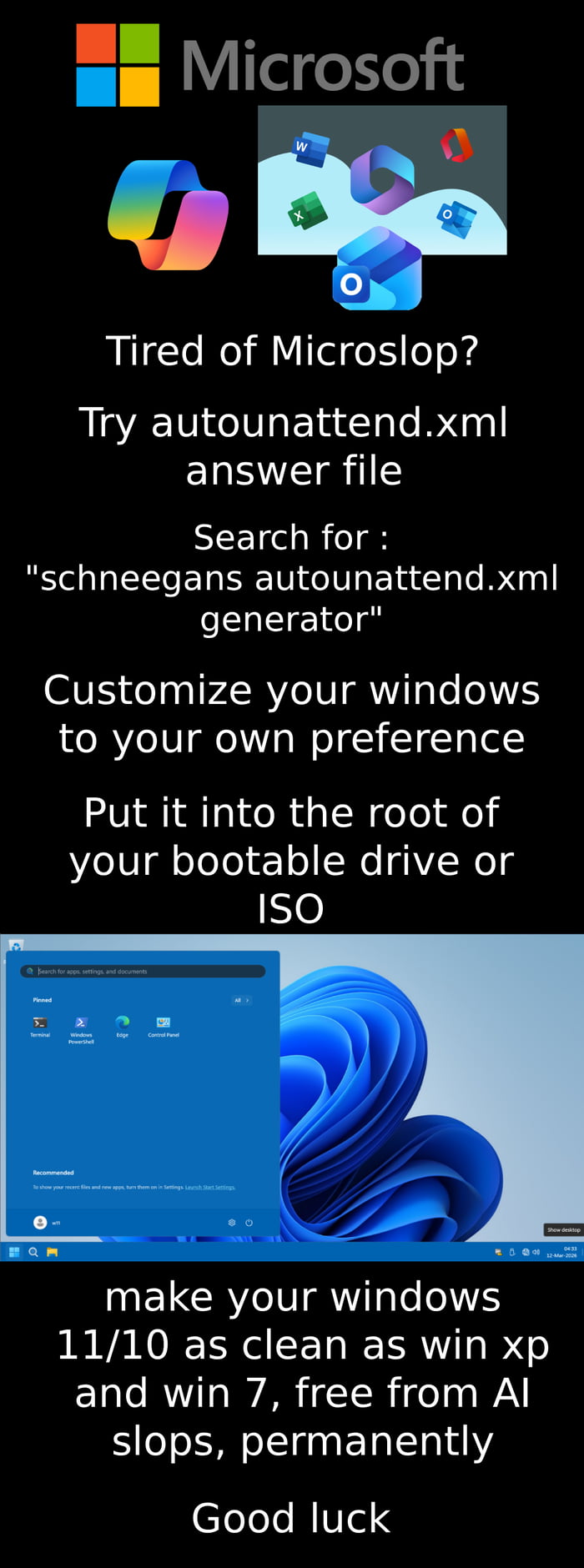
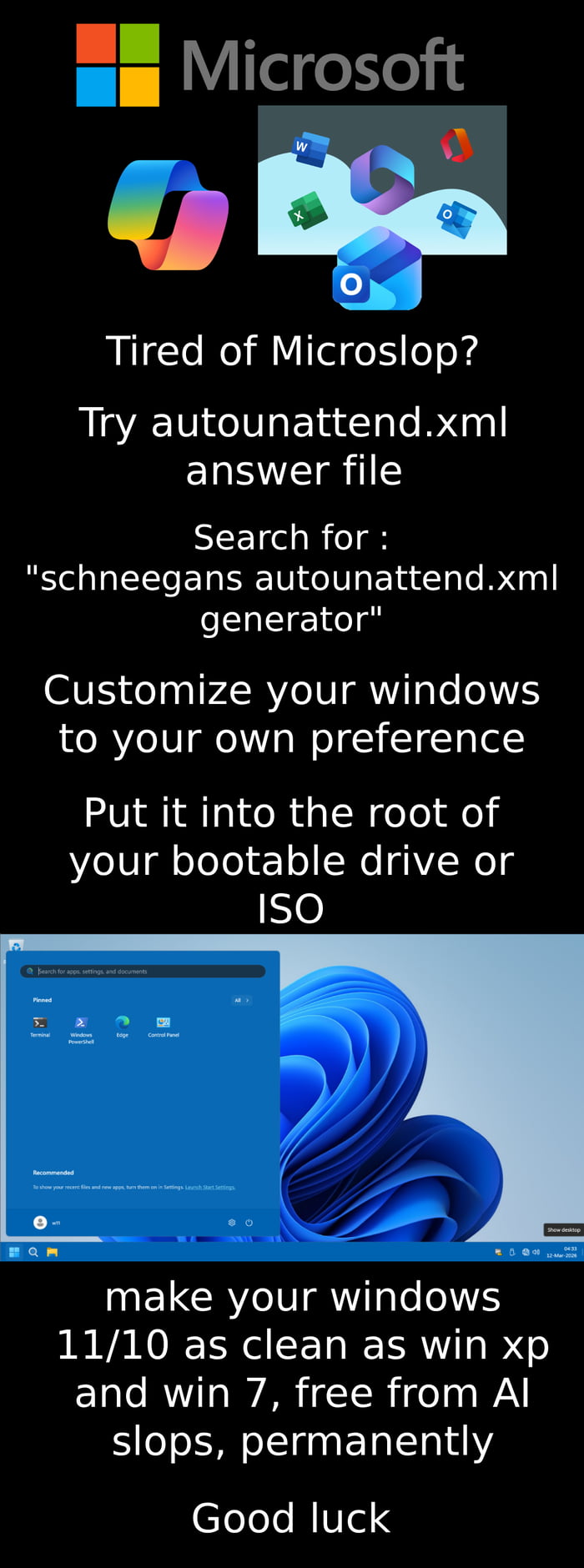
Guide to Creating a Clean Windows 10/11 Install with Autounattend.xml
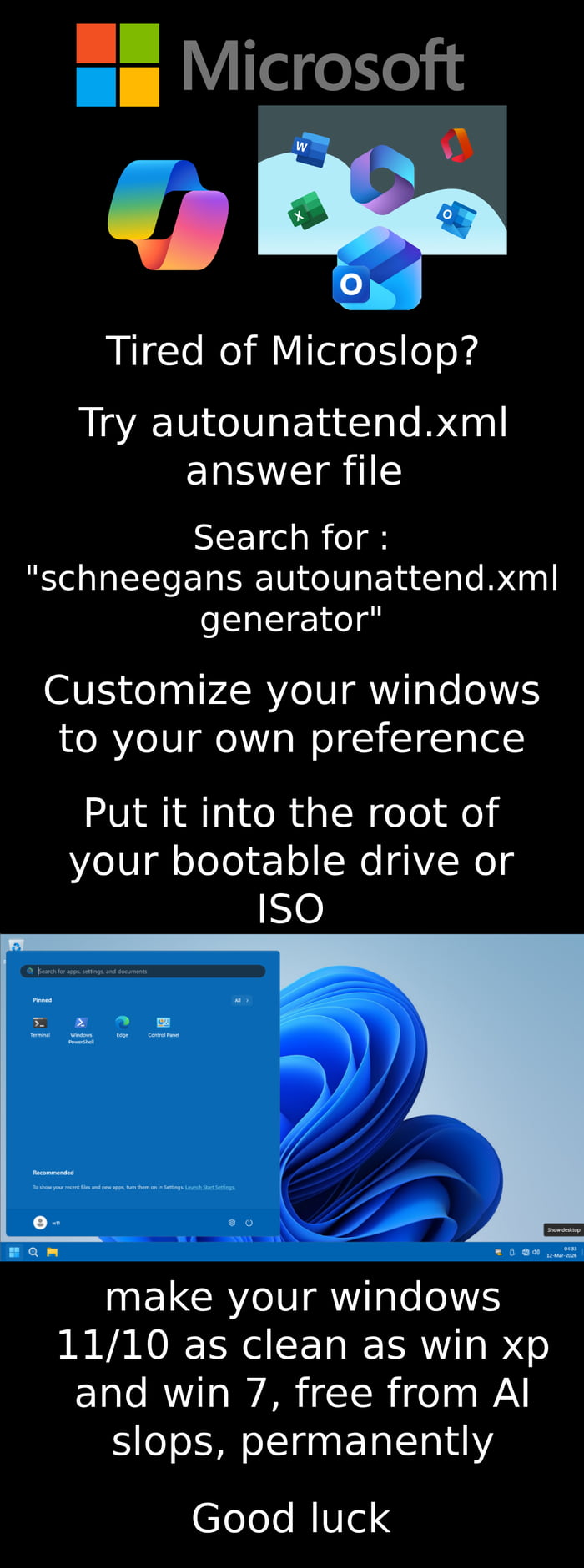
Text content
A guide to using autounattend.xml to create a bloat-free Windows 10/11 installation, similar to Windows XP/7
Overview
This is an instructional graphic targeted at Windows users frustrated with bloatware and AI-driven features in Windows 10/11. It provides a step-by-step guide to using an autounattend.xml answer file (via the "schneegans autounattend.xml generator" tool) to create a customized, bloat-free Windows installation. The meme explains that placing this file on a bootable drive or ISO will result in a clean Windows setup, comparable to the leaner Windows XP/7 versions, free of unwanted "AI slops". It includes visual elements like the Microsoft logo, Windows app icons, and a Windows 11 desktop screenshot to contextualize the guide.
Origin notes
The image originates from the social media platform 9Gag, as specified in the provided additional information. It is a user-created instructional meme, designed to share a technical tip for power users seeking to reduce bloat in modern Windows operating systems. There is no indication of it being a remix or edited from another source; it is an original guide-style graphic.
![This is a 4-panel digital comic meme that uses dark, sarcastic humor to criticize Microsoft's Windows 11 operating system and tease the upcoming Windows 12.
Panel 1: The Grim Reaper gestures to a haloed Windows 11 logo (depicted as a departing spirit) and says, "IT IS TIME TO GO."
Panel 2: The Windows 11 spirit asks, "Was I a good OS?" as the Reaper's hand pulls away.
Panel 3: The Grim Reaper responds with a deadpan, "NO."
Panel 4: The Reaper delivers a harsh roast: "You were absolute trash. I don't know what more Microslop [a playful, critical misspelling of Microsoft] has to offer but I bet it won't be good," while the Windows 11 logo sinks into a water-like area, defeated. The meme taps into common user frustrations with Windows 11 and anticipates disappointment with the next Windows release.](https://gagbase.com/i/c/memes/ea/87/29/4d/ea87294d212f23bafa34633317cf7f0c.jpeg.webp)